
Solution
WhatsApp and Calls in One iOS App
An iOS app for WhatsApp and phone calls in a team: Twilio, FastAPI and Supabase, with CallKit, ring groups and a busy status. This is how we built it.
Robert Cwicinski,
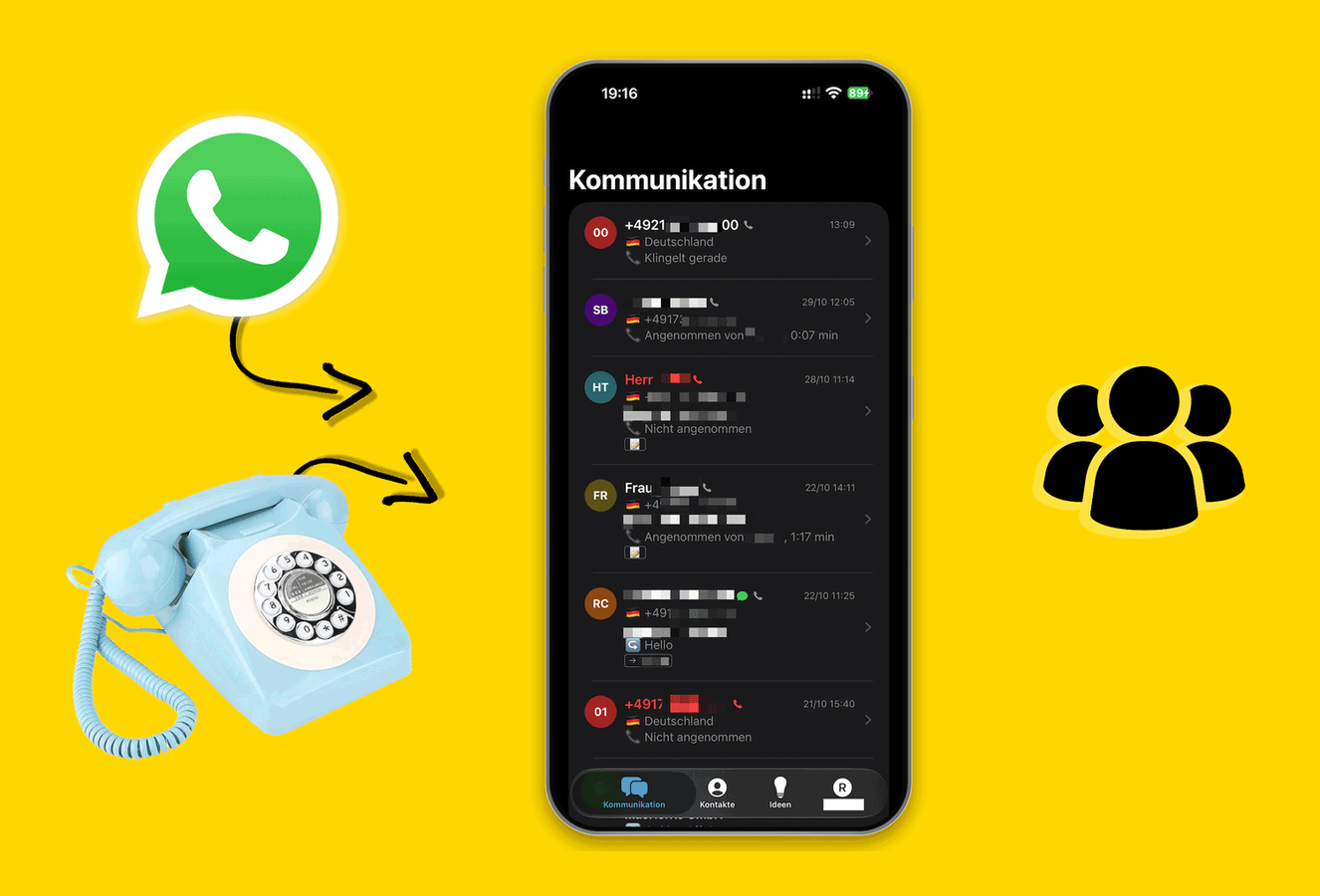
For a client we built an iOS app where WhatsApp messages and phone calls come together. Twilio delivers telephony and WhatsApp. A FastAPI backend runs everything, and Supabase stores users, messages and calls. Incoming calls ring for several people at once via CallKit. Anyone who is busy gets neither calls nor push notifications. We don't name the client.
What did we build?
A team shares one phone number and one WhatsApp number. Instead of a desk phone and a work mobile, everyone has the app on their iPhone. Calls and chats land there in one history, and everyone sees who on the team responded.
How does the app work?
Four parts, each with one job:
- Twilio provides the phone number, calls and WhatsApp
- FastAPI receives every webhook from Twilio and decides what happens
- Supabase stores login, messages, calls and settings
- The iOS app announces calls through CallKit and WhatsApps as push notifications
How does FastAPI control the calls?
On every call, Twilio asks the FastAPI backend via webhook what to do. The backend checks Supabase for who belongs to the ring group and who is free right now. Then it answers with TwiML, Twilio's XML format for calls. It says whose phone rings and whether the call is forwarded. WhatsApp messages arrive at the backend the same way, via webhook.
What lives in Supabase?
- Login for every team member
- The WhatsApp messages and their attachments, such as images and files
- The call log
- Ring groups and their members, meaning whose phone rings for what
- Settings per person: busy status and call forwarding
Every call and every WhatsApp also records who on the team responded.
How does it ring for several people at once?
PushKit wakes the app as soon as a call comes in. CallKit then shows it like a normal iPhone call, even on a locked screen. That way it rings in parallel for everyone in the ring group. The team starts outgoing calls directly from the app.
What happens when someone is busy?
Everyone sets their status in the app. When it says busy, their phone doesn't ring and they get no push notifications. If needed, they forward calls. Both are stored as settings in Supabase, and the backend checks them on every call.
What does it cost to run?
Twilio bills by usage, with no base fee and no per-user license:
- Phone number: $1.35 a month for a German landline number
- Incoming calls: $0.01 per minute. Because the call lands in the app, $0.004 per minute is added.
- Outgoing calls: $0.0283 per minute to German landlines, $0.042 to mobile networks. Here too, $0.004 is added for the app.
- WhatsApp: a $0.005 Twilio fee per message, plus Meta's fee depending on message type
- Supabase: from $25 a month on the Pro plan
Twilio as of October 2026 according to the Twilio pricing page (opens in new tab), Supabase as of November 2026 according to the Supabase pricing page (opens in new tab). What this looks like for a team without its own app is covered in WhatsApp Business with multiple users.

Quarterback
Consultant, doer, brutally honest since 2005. ADHD. When something is broken, I want to fix it. But first I want to understand why. Quarterback at MacNorris.
YOUR PROBLEM IS OUR NEXT SOLUTION.
Tell us what you've been stuck on for weeks. We'll tell you honestly if we can solve it and how fast. If we can't, we'll tell you who you can call instead.